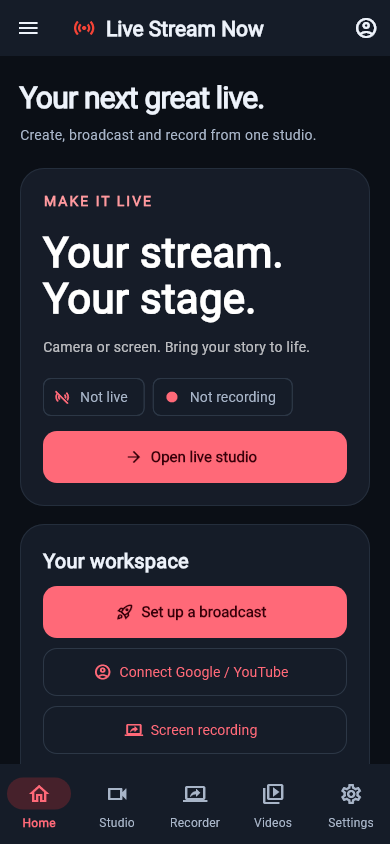
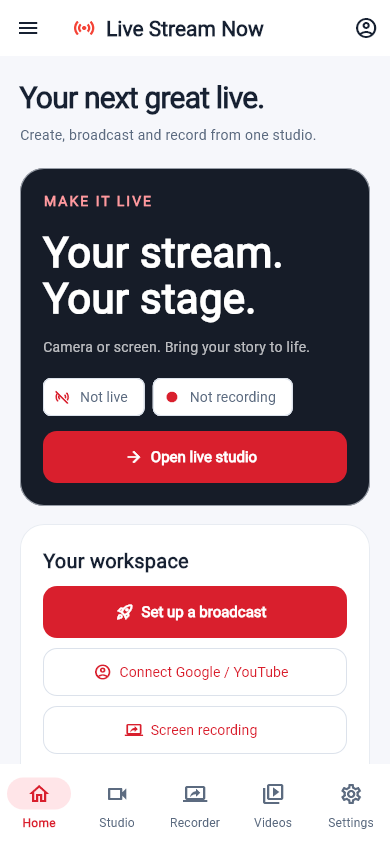
Camera or screen
Prepare your camera or approve Android screen sharing. Add a supported phone facecam, or try the local Wi-Fi second-phone camera link.
 Live Stream Nowby RookDevStudio
Your phone. Your creative studio.
Go from camera or screen to a live broadcast. Record your moments, add your scores and keep the controls close.
An Android app developed by RookDevStudio, with a Flutter interface and native capture tools.
One studio, a few clear steps
Prepare your camera or approve Android screen sharing. Add a supported phone facecam, or try the local Wi-Fi second-phone camera link.
Connect Google to read your YouTube channel and existing live events, or enter your provider’s secure RTMPS destination. Review before publishing.
Record MP4s locally, pause/resume and save to Gallery. Screen recording uses the original starting canvas and fits rotation changes without stretching.
During your live
Use text and sports scoreboards, scene cards, a countdown and a spin-wheel winner banner. Available YouTube subscribers, viewers and likes can appear in an independent live overlay alongside your stream timer.
Small floating controls support screen sessions. Provider confirmation controls the LIVE indicator; an attempted connection is not a successful broadcast.
Download & availability
A public store release or downloadable production APK is not listed here yet. Contact RookDevStudio about testing access.
Ask about testingcom.rookdevstudio.livestreamnow Before your first broadcast
No. A separate YouTube read-only grant lets the app read your channel and existing events. Complete live eligibility, activation and event configuration in YouTube Studio. Sign-in does not start broadcasting.
Yes. Local recording does not require a destination, Google login or internet. Android still asks for capture permissions.
Check picture, microphone and event privacy. Use stable internet, check free storage and verify the received picture and sound on another device. Network validation is not an upload-speed test.
No. Video-file broadcasting, replay/clipping, GIF/browser/photo layers, internal audio, multi-platform relay and YouTube event creation/chat remain planned. Local Wi-Fi camera still needs two-phone hardware testing. Device support varies.